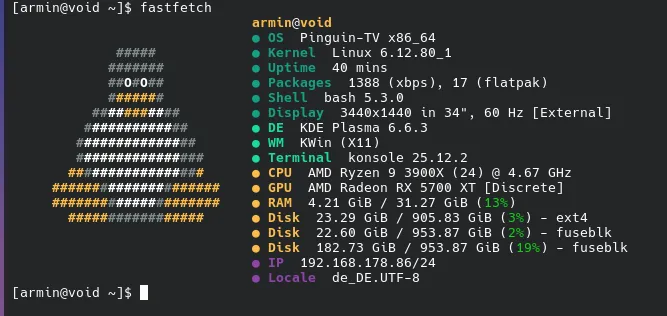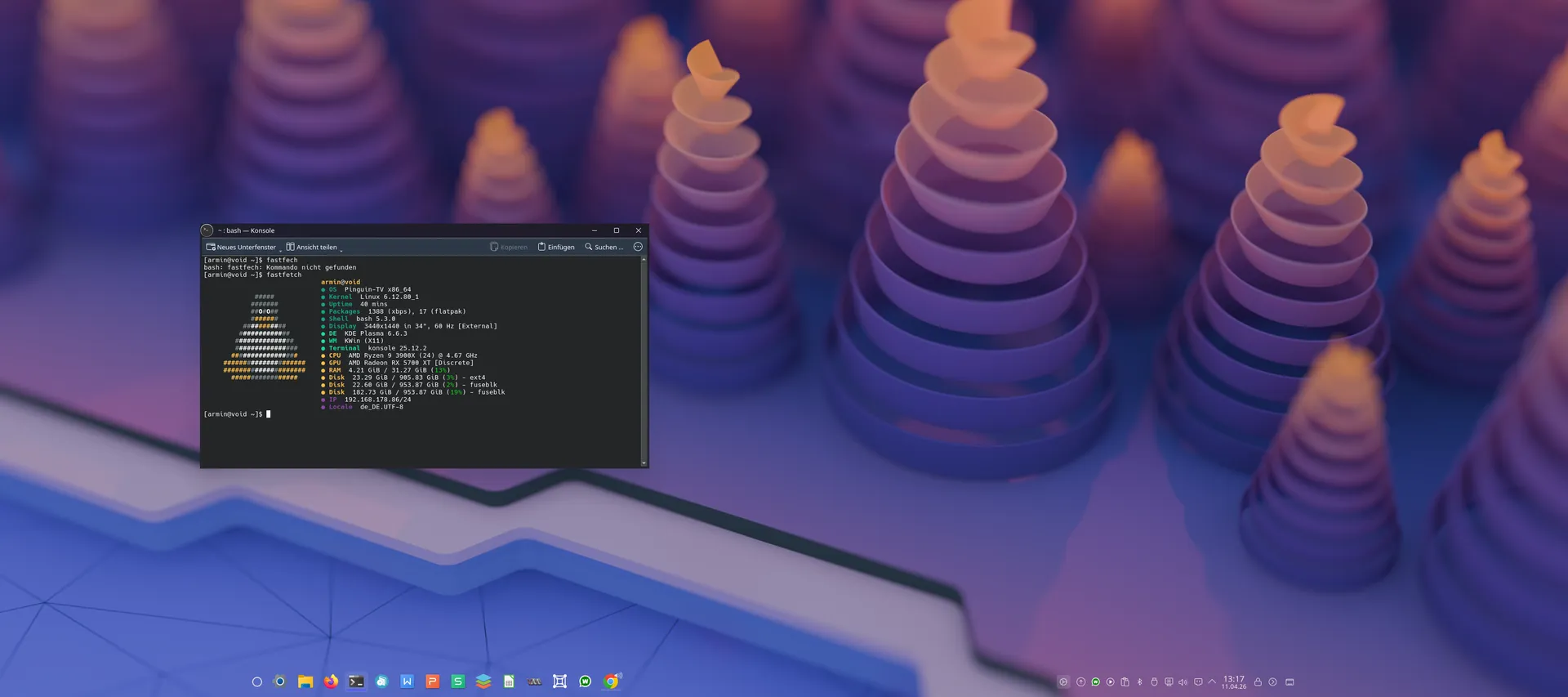


ganz ehrlich, mir ist es egal woher eine Distro kommt, ob aus Russland, China oder USA, ich denke das ein Entwickler sich kaum Gedanken macht welche Gesinnung seine "Führer" verfolgen. So lange das opensource ist - und das war vor ein paar Jahren noch viel schlimmer, heute gibst die riesigen Code-Zeilen einer KI und lässt das prüfen. also ich denke egal woher...........
Beiträge von Pinguin
-
-
ich baue jetzt nochmal eine ISO, nur zum testen, da sehe ich am besten wenn irgendwo eine Abhängigkeit fehlt, wenn nicht entferne ich die webapps wieder, das ist ja nicht so schlimm. Webapps kann man ja selbst mit einem Browser erstellen
-
Ohne Passwort? Hast du da auf alle Systemdateien als Benutzer Zugriff?
-
Beitrag
RE: Welche Linux-Distribution(en) nutzt ihr aktuell?
hab mir mal auf PepOS mit armins Softwaremanager den 6.19ner Kernel install - läuft alles tadellos

 tojacket
15. April 2026 um 21:26 mein Problem jetzt, was mache ich nun?
-
ich habe das mit dem Terminal geändert:
Code
Alles anzeigendef _run_term(self, cmd, tit): f = f"echo '>>> {tit}'; {cmd}; echo; echo '{tr('Fertig. Taste drücken...')}' && read -n 1" for t in [ ['foot', '-e', 'bash', '-c', f], ['kitty', '--', 'bash', '-c', f], ['alacritty', '-e', 'bash', '-c', f], ['konsole', '-e', 'bash', '-c', f], ['gnome-terminal', '--', 'bash', '-c', f], # HIER ist die wichtige Änderung für XFCE: ['xfce4-terminal', '--disable-server', '-x', 'bash', '-c', f], ['xterm', '-e', 'bash', '-c', f] ]: if shutil.which(t[0]): p = subprocess.Popen(t) self.search_spinner.start() threading.Thread(target=lambda: (p.wait(), GLib.idle_add(self._trigger_refresh)), daemon=True).start() breakhoffe das Problem ist gelöst,
-------
dann habe ich die paar voreingetragenen Webapps alle in die Kategorien gesetzt wo die auch erscheinen sollen:
Code
Alles anzeigen{ "name": "YouTube", "description": "Video-Streaming Plattform.", "category": "Internet", "icon": "youtube", "web_url": "https://www.youtube.com", "remote_icon_url": "https://upload.wikimedia.org/wikipedia/commons/e/ef/Youtube_logo.png" }, { "name": "WhatsApp", "description": "WhatsApp Web Messenger.", "category": "Internet", "icon": "whatsapp", "web_url": "https://web.whatsapp.com", "remote_icon_url": "https://upload.wikimedia.org/wikipedia/commons/thumb/6/6b/WhatsApp.svg/1200px-WhatsApp.svg.png" }, { "name": "Photopea", "description": "Kostenlose Online Bildbearbeitung (Photoshop Alternative).", "category": "Grafik", "icon": "photopea", "web_url": "https://www.photopea.com", "remote_icon_url": "https://www.photopea.com/promo/thumb256.png" }bei den webapps bitte nach unten scrollen und das speichern nicht vergessen
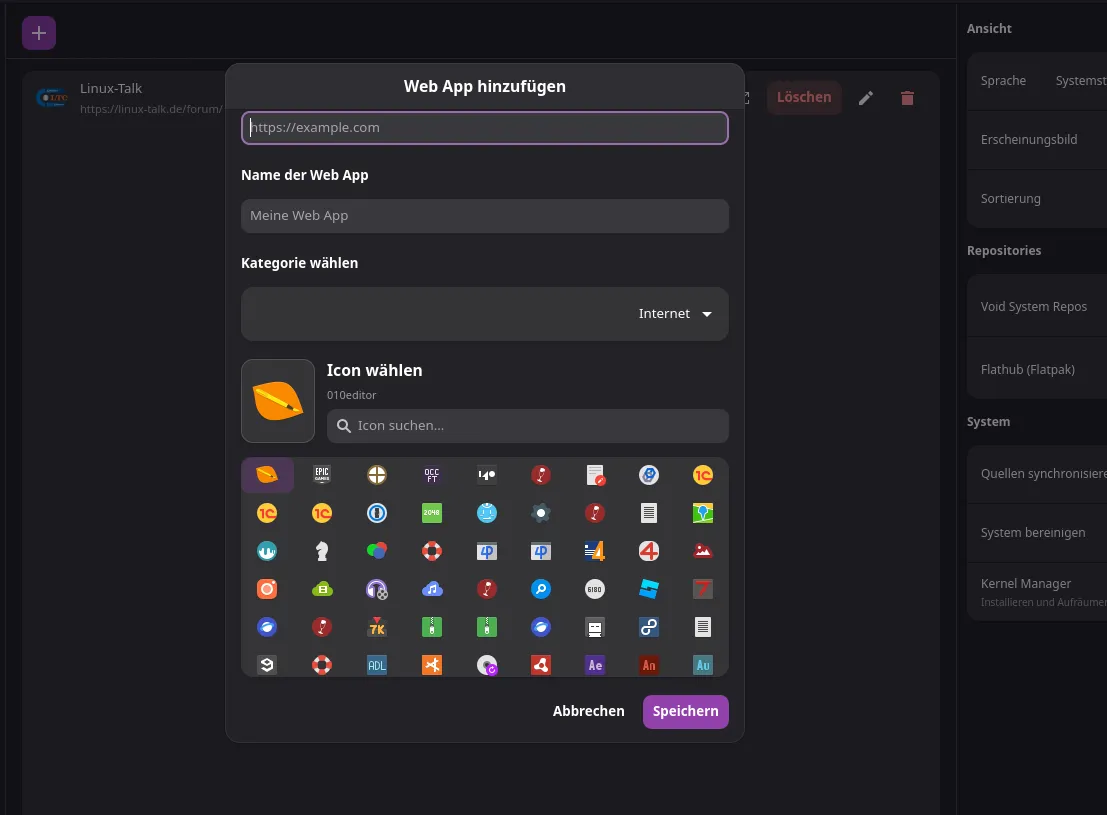
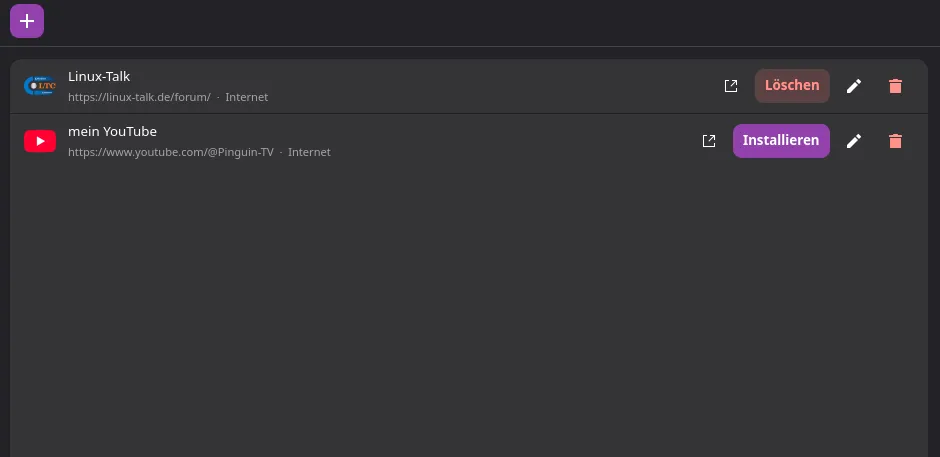
und wenn du es im Startmenu haben willst dann auf Installieren klicken
-
ich habe jetzt mal ein paar super schlaue KI's befragt:
zusammengefasst sind hier die möglichen Ursachen:
Das sind zwei sehr spezifische und gute Beobachtungen! Beide haben logische Ursachen,
1. Tastatureingabe im XFCE-Terminal blockiert ("Do you want to continue?")
Das liegt an der Art, wie das Skript das xfce4-terminal aufruft. Aktuell nutzt das Skript den Parameter -e, was bei XFCE oft dazu führt, dass die Standard-Eingabe (Tastatur) abgekoppelt wird oder das Terminal in einem Modus startet, der keine interaktiven Eingaben erlaubt. Außerdem brauchen wir bei XFCE den Parameter --disable-server, damit das Skript korrekt wartet, bis die Installation fertig ist.
2. Warum Web Apps nicht in der Kategorie landen
Hier müssen wir kurz unterscheiden, wo du die Web Apps erwartest:
A) Im normalen XFCE Startmenü (Whisker Menu):
XFCE hat standardmäßig keine Kategorie namens "Web Apps". Wenn unser Store einen Desktop-Eintrag erstellt, weist er diesem (im Hintergrund) die Kategorie Network; zu.
👉 Folge: XFCE sortiert deine erstellten Web Apps automatisch in das XFCE-Startmenü unter "Internet" ein. Das ist das korrekte Standard-Verhalten von Linux/XFCE.B) Im Software Store selbst:
Wenn du über den Button "Web App hinzufügen" eine neue App erstellst, taucht diese nicht auf der bunten Startseite ("Alle") als große Kachel auf. Stattdessen haben die eigenen Web Apps ihren völlig eigenen Bereich.
👉 Folge: Du findest sie, wenn du in der linken Seitenleiste ganz unten auf den Menüpunkt "Web Apps" klickst. Dort ist die Listeverwaltung für deine selbst erstellten Apps (inkl. Installieren/Löschen-Buttons).Sonderfall (apps.json):
In deiner apps.json steht am Ende "YouTube" mit "category": "WebApps".
Da die linke Seitenleiste im Store diese Kategorie nicht als Standard-Kachelfilter kennt, wird YouTube auf der Startseite unter "Alle" angezeigt, lässt sich aber links nicht filtern.
Tipp: Wenn du willst, dass YouTube (aus der apps.json) zusammen mit Firefox und Co. angezeigt wird, ändere in der apps.json bei YouTube die "category": "WebApps" einfach zu "category": "Internet". -
Externer Inhalt www.youtube.comInhalte von externen Seiten werden ohne Ihre Zustimmung nicht automatisch geladen und angezeigt.Durch die Aktivierung der externen Inhalte erklären Sie sich damit einverstanden, dass personenbezogene Daten an Drittplattformen übermittelt werden. Mehr Informationen dazu haben wir in unserer Datenschutzerklärung zur Verfügung gestellt.
zum Store:
Void Software Store - Pinguin-TV
nachdem ich ja den neuen Store zum Donload anbiete, bekomme ich verschiedene Fehler gemeldet,
was ja richtig gut ist, nur kann ich die nicht nachstellen, bei mir läuft der auf meinem Hauptrechner und dann immer noch zum testen in einer VM, und da funktioniert alles.
Ich bekam Fehler gemeldet von Sysform IT und würde sehr gerne helfen:
Ich habe den Software Manager in void xfce (VM) installiert. WebApps fügt er nicht in die Kategorie Web Apps hinzu. Bei der Installation von Paketen kann ich im Terminal bei "Do you want to continue" keine Tastatureingabe machen.
hat jemand eine Idee? ich vermute das es vielleicht an den Rechten liegt, kann das sein?
-
Externer Inhalt www.youtube.comInhalte von externen Seiten werden ohne Ihre Zustimmung nicht automatisch geladen und angezeigt.Durch die Aktivierung der externen Inhalte erklären Sie sich damit einverstanden, dass personenbezogene Daten an Drittplattformen übermittelt werden. Mehr Informationen dazu haben wir in unserer Datenschutzerklärung zur Verfügung gestellt.
zum Store:
Void Software Store - Pinguin-TV
nachdem ich ja den neuen Store zum Donload anbiete, bekomme ich verschiedene Fehler gemeldet,
was ja richtig gut ist, nur kann ich die nicht nachstellen, bei mir läuft der auf meinem Hauptrechner und dann immer noch zum testen in einer VM, und da funktioniert alles.
Ich bekam Fehler gemeldet von Sysform IT und würde sehr gerne helfen:
Ich habe den Software Manager in void xfce (VM) installiert. WebApps fügt er nicht in die Kategorie Web Apps hinzu. Bei der Installation von Paketen kann ich im Terminal bei "Do you want to continue" keine Tastatureingabe machen.
hat jemand eine Idee? ich vermute das es vielleicht an den Rechten liegt, kann das sein?
-

Ich auch...

Hallo, juppsupp ! Schön, dass du wieder hier bist.

Zum Thema: Ich bin weiterhin mit Arch Linux KDE unterwegs.

ich freue mich riesig darüber!!!!!!!!!!!!!!!
-

Was ich persönlich sehr schade finde. Du bist meiner Meinung nach sehr kompetent auf dem Gebiet.
diabolusUmarov vielen vielen Dank!!!!
hier mal PepOS (Void+Xfce) - Danke an Maxi LinuxNation für das gute Video

tojacket hast du mal Lust meinen neuen Softwarestore zu testen - mit Appiages und webapps
Void Software Store - Pinguin-TV
im Moment kämpfe ich noch mit den Rechten beim installieren - also eigentlich nur mit dem install-script
-
Obwohl ich eigentlich keine ISO mehr erstellen will,
-
-
Das ist wirklich frustrierend, ich bin oder war ja bekennender Gnome Nutzer, aber nicht nur wayland oder das muss dazu stört mich, auch das systemd jetzt unbedingt sein muss, wenn jetzt die Programme unter anderen Oberflächen nicht mehr laufen?????
Kann das wirklich sein?? Dann haben auch cinnamon und mate Probleme, zumindest in der Zukunft,
Gut, egal wie, ich werde mich so oder so von Gnome verabschieden müssen.wie heißt es so schön, nach jedem Ende beginnt etwas neues
-
ich bin zur Zeit dabei ein paar Tools für Void zu überarbeiten,
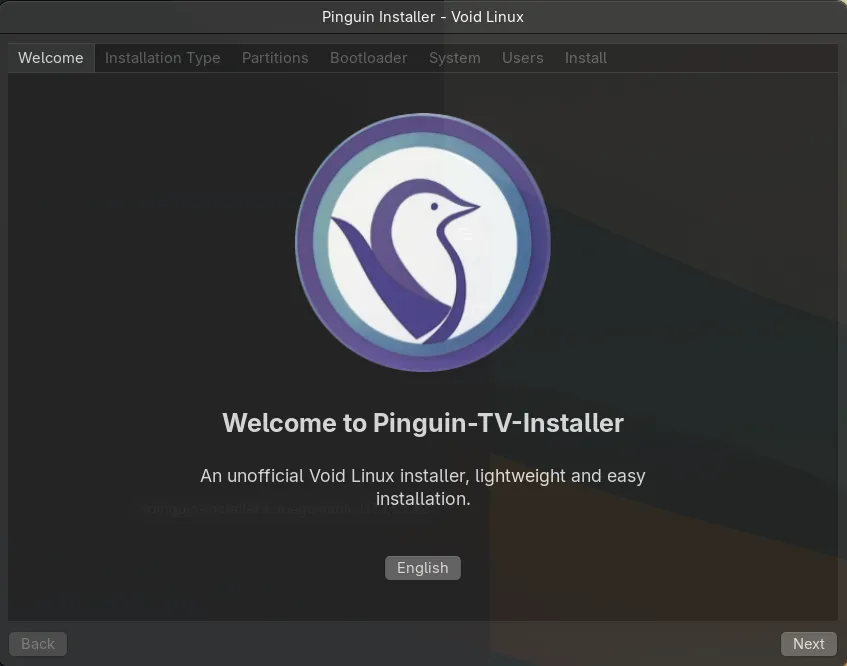
ein paar Sachen zeige ich heute Abend in meinem Live-Stream, wie z,B.:
1 Änderungen am Software-Store
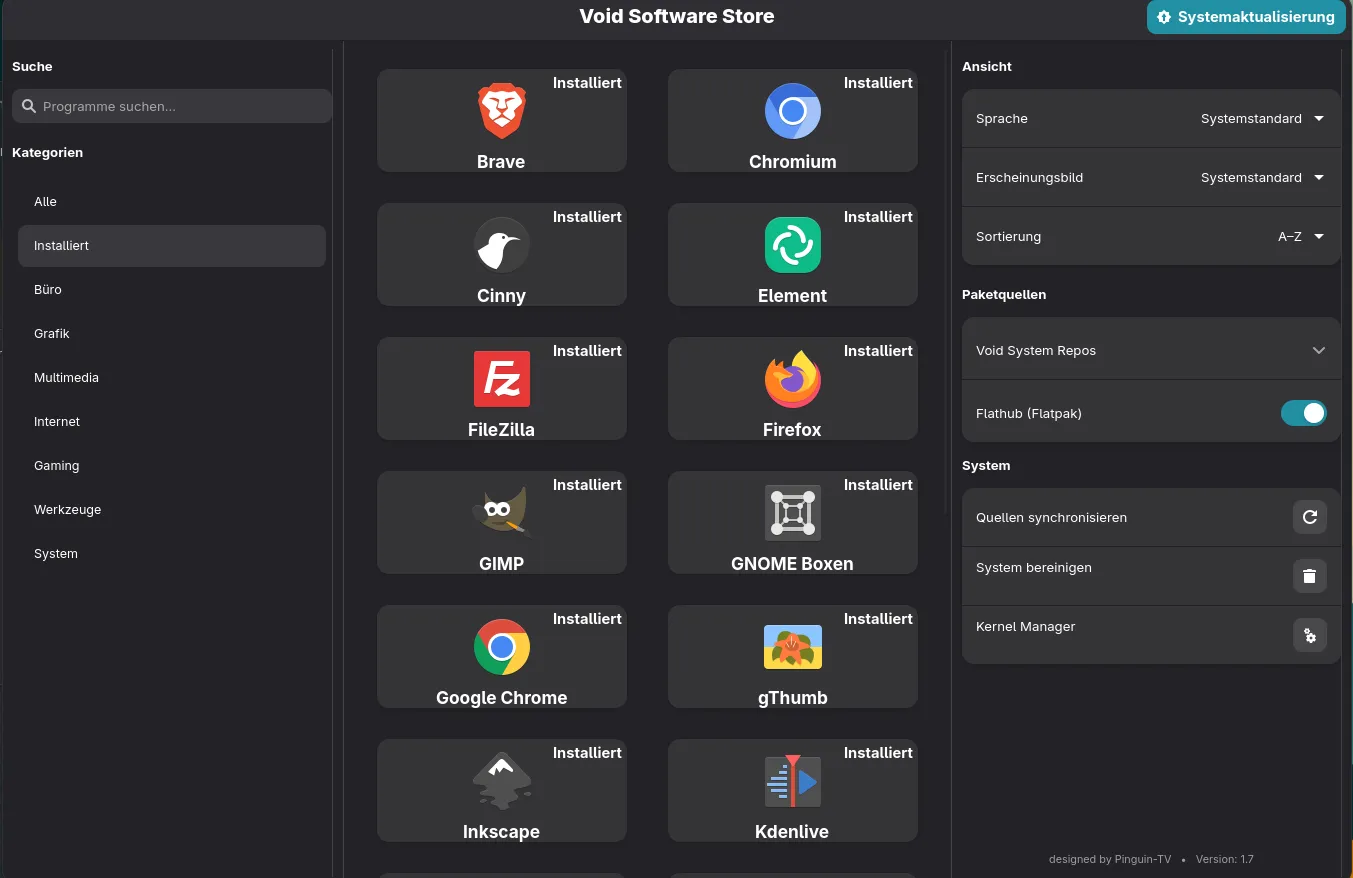
oder
2.dem Live-Creator - der ist jetzt in vala statt in python
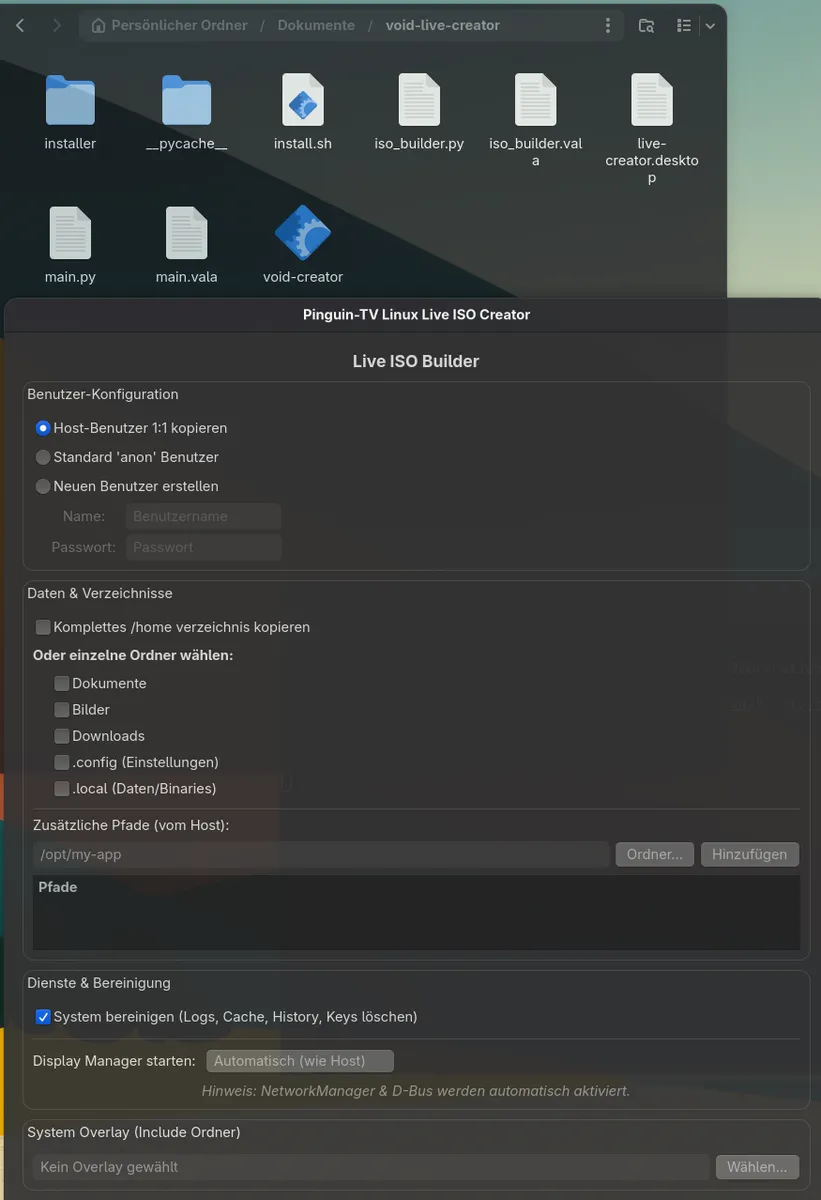
und dann probiere ich auch "c" als Sprache und das gefällt mir so das ich
3. damit einen neuen Installer schreibe
-
Video habe ich gesehen, danke fürs zeigen - leider bin ich zu lange von Arch weg um beurteilen zu können was neu wäre
-

Nun gut, ich weiss noch nicht wie ich weiter fahren werde. Ist auch eine Zeitfrage, man hat ja noch andere Sachen zu tun, aber interessieren würde es mich schon. Mal schauen.
lass dir Zeit dafür, oder mach dir eine VM, da kannst du dann Stück für Stück probieren und gleichzeitig noch einen Browser offen haben wo du nachlesen kannst
-
Externer Inhalt www.youtube.comInhalte von externen Seiten werden ohne Ihre Zustimmung nicht automatisch geladen und angezeigt.Durch die Aktivierung der externen Inhalte erklären Sie sich damit einverstanden, dass personenbezogene Daten an Drittplattformen übermittelt werden. Mehr Informationen dazu haben wir in unserer Datenschutzerklärung zur Verfügung gestellt.
-
Danke.
Aha, irgendwie habe ich angenommen, Arch ist noch "komplizierter" oder in etwa gleich.
Aus Prinzip möchte ich eigentlich nur mit einer offiziellen ISO arbeiten. Ausserdem reizt mich auch ein Bisschen die Herausforderung, vielleicht lerne ich noch was dabei. Auch wenn es mir zugegebenermassen aktuell beinahe unmöglich erscheint.
zuerst einmal einen riesen Respekt!!! aber was komplizierter ist?? bei Arch hast du viel bessere Anleitungen, das Arch-Wiki ist einfach gut.
Bei Void funktioniert vieles etwas anders und ist bei weitem nicht so gut dokumentiert.
Mein Tip: ich würde erst mit Arch ohne dem Install-script beginnen und damit dann eine "Oberfläche" erstellen, dazu kann ich nur (wie immer) das Video von diabolusUmarov empfehlen, wo er mit seiner Tochter Arch installiert.
wenn du mit Void und der "base" beginnen willst, wirst du sehr viel lesen und probieren müssen, selbst wenn dann mal eine Oberfläche läuft hast du noch so gut wie nichts was unterstützt wird, keine interne Festplatten, kein USB-Stick, und schon gar nix für Drucker oder Sound.
Void musst du dir vorstellen wie BSD oder vielleicht wie einen mac, du baust dir deine Distro für genau deine Hardware, so genial wie sich das zwar anhört, woher weis man was für seine Hardware am besten ist? - nur durch probieren!
-
Da schließe ich mich mit an,
Frohe Ostern,
-
Die müsste eigentlich bald kommen