


Für mich gibt es keine "Obrigkeit". Es gibt Menschen, die sich anmaßen, für ihre Mitmenschen Verbote und Gebote verfügen zu können, die tatsächlich als "Diener des Staates" gewählt wurden, sich aber als Herrscher über alle anderen aufspielen.
Wir sind selbst schuld, wenn wir uns das gefallen lassen.
Beiträge von mirolPirol
-
-

Ja, da bin ich ja gar nicht alleine.
Omarchy ist mein Produktivsystem. Hyprland, Waybar, etc. ist schon super umgesetzt.
Einzig Lazyvim/Neovim halten meine Lernkurve hoch. Das ist hinsichtlich der Bedienung schon komplex.
Man muss dran bleiben.Genau so geht es mir auch, aber ich will vi, vim, nvim u.s.w. gar nicht, obwohl es wohl die mächtigsten Editoren sind, die man finden kann? Ich bin mit dem Editor "micro" glücklich oder nutze die zur Distro gehörigen Editoren Mousepad, Kwrite, gedit u.s.w., gelegentlich auch mal code (vscode).
-
"Unsere Obrigkeit" outet sich zunehmend als Organisiertes Verbrechen, hat sich aber gesetzlich selbst geschützt:
§129 StrGB "Bildung krimineller Vereinigungen" --> siehe Absatz 3-1
__________________________________________________________________________________________________________
(1) 1Mit Freiheitsstrafe bis zu fünf Jahren oder mit Geldstrafe wird bestraft, wer eine Vereinigung gründet oder sich an einer Vereinigung als Mitglied beteiligt, deren Zweck oder Tätigkeit auf die Begehung von Straftaten gerichtet ist, die im Höchstmaß mit Freiheitsstrafe von mindestens zwei Jahren bedroht sind. 2Mit Freiheitsstrafe bis zu drei Jahren oder mit Geldstrafe wird bestraft, wer eine solche Vereinigung unterstützt oder für sie um Mitglieder oder Unterstützer wirbt.(2) Eine Vereinigung ist ein auf längere Dauer angelegter, von einer Festlegung von Rollen der Mitglieder, der Kontinuität der Mitgliedschaft und der Ausprägung der Struktur unabhängiger organisierter Zusammenschluss von mehr als zwei Personen zur Verfolgung eines übergeordneten gemeinsamen Interesses.
(3) Absatz 1 ist nicht anzuwenden,
1. wenn die Vereinigung eine politische Partei ist, die das Bundesverfassungsgericht nicht für verfassungswidrig erklärt hat, 2. wenn die Begehung von Straftaten nur ein Zweck oder eine Tätigkeit von untergeordneter Bedeutung ist oder 3. soweit die Zwecke oder die Tätigkeit der Vereinigung Straftaten nach den §§ 84 bis 87 betreffen. Es ist unfassbar, was hierzulande für "Gesetze" verabschiedet werden - so viel zum Thema "Vor dem Gesetz sind alle gleich".
-
Letzteres wäre sehr schade - aber es ist ja DEINE Entscheidung. Ich finde es schlicht bewundernswert, wie du dich für Void ins Zeug legst.
-
Das tut mir leid, Armin, bei anderen hat es doch geklappt, oder?
Um sicher zu stellen, dass es nicht am Datenträger liegt, habe ich dort nun wieder OMARCHY installiert und das ging ganz easy - ohne Probleme. -
2. Versuch: Nachdem die Installation erneut fehlschlug, habe ich deine ISO erneut herunter geladen und nicht mehr vom Ventoi-Stick, sondern von einem eigenen Stick gestartet - definitiv im (U)EFI-Modus. Leider war es wieder ein Fehlschlag, wie ich das sehe, derselbe:
Das Gerät /dev/sdb ist übrigens eine externe SSD mit USB-C-Anschluss
-

bitte bei solchen fehlern immer das posten was der Installer ausgibt, es tut mir Leid das es nicht geklappt hat.
Das habe ich - es steht im Fehler.txt (über Deinem Post).
Übrigens ist die SSD ok, denn ich konnte im Anschluss an den Abbruch ein Arch mit Sway problemlos installieren - ich würde trotzdem sehr gerne DEINE Void-ISO ausprobieren... -
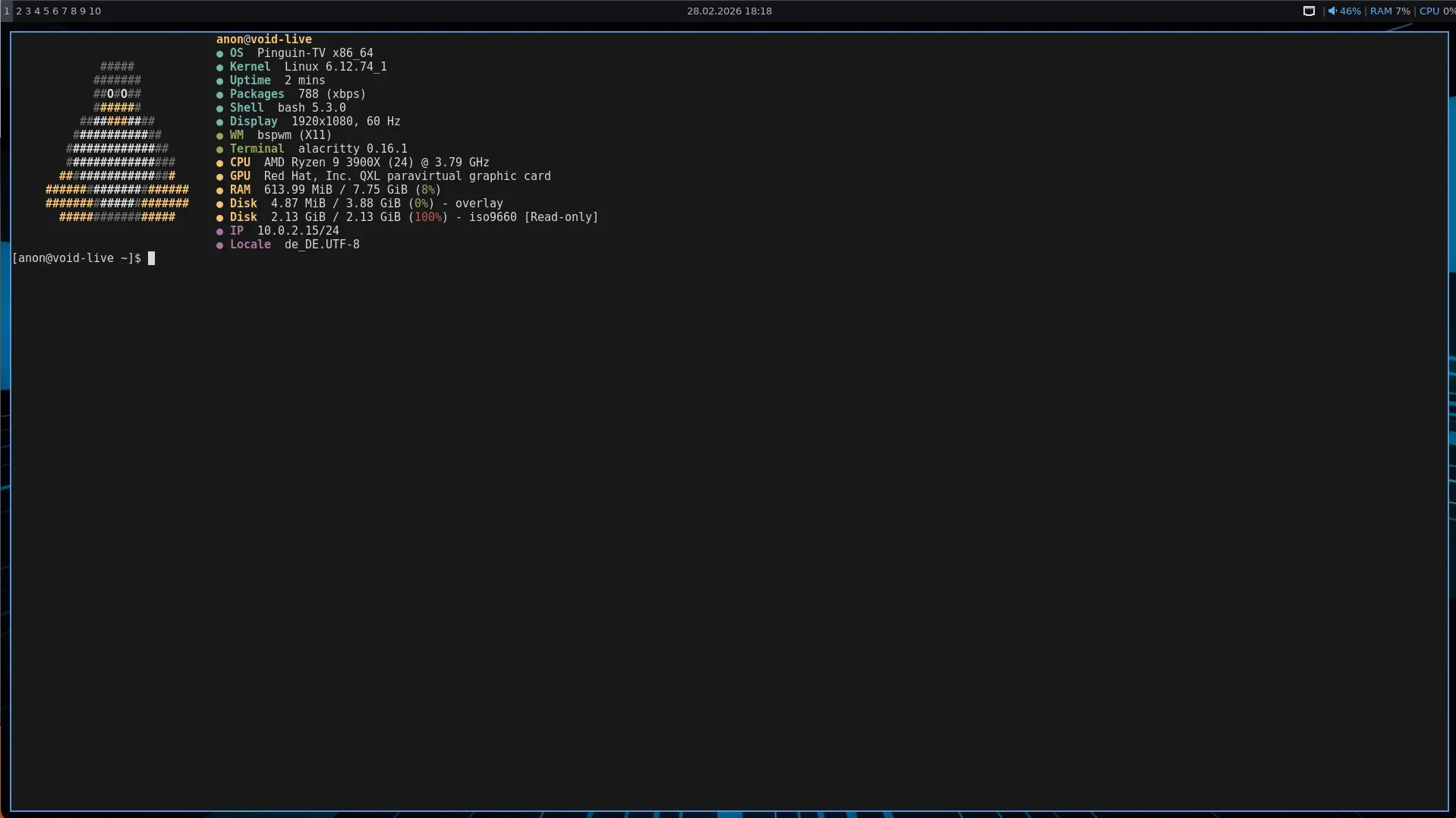
meine 1. ISO mit Windowmanager ist fertig,
https://pinguin-tv.de/bspwm.html
wer Lust hat kann die gerne ausprobieren, sehr schnell und mit wenig Paketen
Hab ich gemacht - leider mit wenig Erfolg. Die Installation endet beim Versuch, den Bootmanager zu installieren, obwohl ich die SSD komplett leer gemacht habe (Partitionen alle gelöscht), bevor der Installer gestartet wurde.
Da es so aussah, als ob die eigentliche Installation komplett war, habe ich versucht, die EFI-Partition mit Hilfe des Boot-Sticks zu reparieren (void-live-x86_64-20250202-base.iso) - leider auch erfolglos.Fehler.txt -

Ich hab vor einigen Monaten mal versucht, andere Designs für KDE zu installieren. Entweder funktionierte es gar nicht oder das System startete nicht mehr. Hab mir so oft das System dabei zerschossen, dass ich seitdem einfach bei Breeze geblieben bin. Ich passe nur den Hintergrund des Login Screens und des Sperrbildschirms an.
Danke für die Rückmeldung - dann muss ich wohl auch damit leben? Unter Debian ist das aber kein Ding, da hat bisher jedes Theme funktioniert. Irgend eine Software Bibliothek scheint unter Void zu fehlen? Na ja, solange ich so dumm wie heute bleibe, bleibt eben auch der dröge Anmeldebildschirm...
-
Da ich immer gerne KDE Plasma als DE nutze, möchte ich auch gerne ein anderes, als das Standard-Theme von Breeze nutzen.
Leider bekomme ich Fehlermeldungen, die offenbar mit der Version von Qt und/oder Plasma zusammenhängen?
Weiß jemand, wie ich das in Void Linux fixen kann?Die betreffende Datei /usr/share/sddm/themes//Noir-Dark-SDDM/Main.qml hänge ich Euch an, die Endung .qml habe ich in .txt geändert
-
Ich danke Euch, dieses Thema ist gegessen - ich mach dann gleich mal ein Neues auf!
(hab wohl zu lange und zu gerne systemd benutzt?) -
Ganz vielen lieben Dank, Armin, ich habe erstmal auf die Schnelle Deine msttcorefonts.zip in den Ordner ~/.fonts entpackt. Es funktioniert.
Trotzdem werde ich mir aber die "restricted void-packages" (die eingeschränkten Pakete) auch installieren.
Ich habe mir ein bash-Script mit genau Deiner Befehlsfolge erstellt. Leider scheitert der letzte Befehl mit der Fehlermeldung
ERROR: Package 'msttcorefonts/x' not found in repository pool.
Gebe ich die Befehlsfolge ohne Script nacheinander in die Konsole ein, bekomme ich dieselbe Fehlermeldung - fehlt etwas? Die xtools habe ich installiert und xi ist nicht durch einen Alias verbastelt.
Nochmals meinen herzlichsten Dank für die superschnelle Reaktion! -
Moin zusammen. "Projekt Hirnfrei" hat ja schon Videos über die Möglichkeiten der Software-Installation unter VOID Linux gemacht - aber wie installiert man
Microsoft Fonts ?
Weder unter Discover, noch unter Bauh oder OctoXBPS finde ich etwas, wie den ttf-mscorefonts-installer für UBUNTU-Systeme? Ich brauche diese Schriftarten wegen der Kompatibilität zu MS-Office-Dokumenten unter Windows. -
Neue Erkenntnis:
Wegen der oben genannten Probleme habe ich eine Neuinstallation vorgenommen, Armins Cinnamon-ISO, SVI genutzt und alles auf eine neue SSD, aber denselben Rechner geworfen.
Alles wieder eingerichtet, mehrfach neu gestartet und dann mehr als 5h verschiedene Dinge gemacht - nebenbei immer Musik oder Videos und es gab keine Probleme.
Es lag also wohl weder am DE noch am Filesystem, dass mein System nach langem Gebrauch instabil wurde und sich sogar aufhängte. -
OK, damit ist nix raus bei mir, ich möchte das anders machen, ich nehme snapper zuerst wieder aus dem Installer, und dann wäre ein separates Tool das snapshots erstellt und wieder zurück spielen kann das nächste. Aber das dauert
Um Snapper zu nutzen braucht man doch nicht zwingend den btrfs-assistant! Man kann auch alles im Terminal erledigen, der Assi macht es nur anschaulicher und man muss sich nicht die einzelnen Befehle merken oder heraussuchen.
-
Super!!!!!
Ich habe nach Anweisung von Kurtchen den btrfs-assistant installiert und ich finde ihn ach Neustart auch im Startmenü - ABER
er startete nicht. Über das Terminal hab ich erfahren, dass er mit root-Rechten gestartet werden muss. Allerdings reicht
"sudo btrfs-assistant" nicht aus, die App wird nicht gefunden.
Mit "sudo /nix/store/lmsdmvbh1r69fwm8gwn3dl4zm5v00xkq-btrfs-assistant-2.1.1/bin/btrfs-assistant" konnte ich ihn aus der Konsole starten, aber soll das wirklich so sein? Das kommt mir doch ziemlich exotisch zu sein (um nicht das böse Wort "abwegig" zu benutzen).
Gibt es dafür eine Lösung? Ich nehme an, es hat mit der PATH-Variablen zu tun? Die sieht bei mir so aus:
/home/michael/.nix-profile/bin:/nix/var/nix/profiles/default/bin:/usr/local/sbin:/usr/local/bin:/usr/bin:/usr/sbin:/sbin:/bin:/usr/lib/jvm/default-jdk/bin:/usr/lib/jvm/default-jre/bin -

Ich frage jetzt mal ganz blöd: reicht nicht Timeshift und ext4 ? Ich brauche Timeshift eigentlich nur, wenn ich mich verbastelt habe.
Für die meisten Menschen reicht das möglicherweise? Warum auch nicht? Ich mache mit rsync meine Backups, es ist extrem zuverlässig. Wenn ich aber BtrFS als mein Filesystem gewählt habe, dann wegen der Snapshots, die diesen Namen verdienen. Ein Snapshot ist unter BtrFS schneller erstellt, als du mit dem Finger schnipsen kannst und er braucht fast keinen Platz auf der Festplatte.
-
Ich frage jetzt mal ganz blöd: reicht nicht Timeshift und ext4 ? Ich brauche Timeshift eigentlich nur, wenn ich mich verbastelt habe.
Mir reicht das nicht - ich stehe auf BtrFS - ein Snapshot dauert unter ext4 mehrere Minuten, unter BtrFS ist er in dem Moment erledigt, in dem er gestartet wird und das Filesystem hat so viel Potential. Ehrlich gesagt, habe ich diese Snapshots bisher sehr selten gebraucht, aber bei mir kommt nichts anderes mehr auf die Platte.
-
 Alles anzeigen
Hallo an die Community
Ich hätte eine Frage an die Arch User unter Euch: Wie oft macht Ihr ein Update ? Täglich ? Wöchentlich ?
2tens: Das Update via pacman datet nur die Software von den offiziellen Quellen ab, oder ? Also nicht vom AUR installierte Software ? Meidet Ihr das AUR ? Welche Erfahrungen habt Ihr damit ? Wenn ich Software downloade und installiere ( Softmaker Office nicht über das AUR sondern eben direkt) wird das dann mit aktualisiert ?
Bei Debian bindet man das ja in die Quellen ein und pasta aber das funktioniert bei Arch nicht oder ?
Mein langfristiges Ziel für einen produktiven Hauptrechner wäre eben eine Rolling Distro, für Fedora und Co ist er zu schwach auf der Brust, die Ausstattung ist sehr konservativ ( Büro Arbeiten ) einzig Softmaker Office tanzt aus der Reihe weil nicht offiziell und Google-Chrome käme auch noch dazu und ich denke wenn man ARCH "richtig behandelt" dann läuft dat Ding entgegen der vielen Meinungen, diabolusUmarov hat es ja auch schon "ewig"
Die Wartung/Pflege des Systems sollte nicht zu aufwendig sein, es kommen ja nur die üblichen Office Sachen drauf,und mein Gedanke wäre ein schlanker Unterbau dann könnte ich den Desktop "fetter" wählen - GNOME - weil 27er Bildschirm, und weil ich denke das GNOME am beständigsten ist , wenig Probleme bereitet.
3te Frage: Zu GNOME - der Dateimanager ist ja sehr bescheiden und es geht viel die Meinung umher das ein anderer Datei-Manager nicht optimal ins System eingebunden ist. Stimmt das so ? Habt Ihr hierfür auch Erfahrungen ?
Weiters suche ich nach einer Möglichkeit bei GNOME die Sitzung automatisch zu speichern, damit beim nächsten Start wieder alles so erscheint wie ich aufgehört habe ( wie bei XFCE und KDE )
Fragen über Fragen aber ARCH würde mein Distro Hopping wohl beenden


Arch Linux ist meine Haupt-Distro und ich liebe es. Die Paketquellen für das Arch-Repository stehen in der Datei /etc/pacman.conf
Außerdem nutze ich sehr häufig das AUR, wenn man einen AUR-Helper benutzen möchte, empfehle ich yay oder paru. Zusätzlich nutze ich Flatpaks, so dass ich 3 Quellen habe, die alles abdecken, was ich brauche.Für die täglichen Updates benutze ich ein Bash-Script mit etwa diesem Inhaltt:
sudo pacman -Syu
yay -a
flatpak upgradeDamit werden die Pakete aus allen Quellen aktualisiert.
-
wow, ok, das 1. was ich probieren würde,
Einen Monitor testweise abziehen
oder beide auf gleiche Hz setzen (z. B. 60 Hz).Zusätzlich Logs prüfen:
dmesg -w
achte dabei auf
- amdgpu: GPU reset
- ring gfx timeout
- drm: fence timeout
Ich habe beide Monitore auf 60Hz gesetzt. Auf einen der beiden zu verzichten macht für mich auf Dauer keinen Sinn und die Probleme tauchen ja erst nach Stunden auf.
Ich habe folgende Befehle abgesetzt:
$ sudo dmesg -w | grep 'amdgpu: GPU reset'
$ sudo dmesg -w | grep 'ring gfx timeout'
$ sudo dmesg -w | grep 'drm: fence timeout'
War das so von dir gemeint? Keiner dieser Befehle liefert ein Ergebnis.